 Arranger Lab
An arranger keyboard,
on your computer.
Arranger Lab plays the accompaniment styles you already have, Yamaha style files and Korg Pa style banks, and follows the chords you play with your left hand. Drums, bass and the rest come in with intros, variations, fills and endings at your fingertips.
By invitation while in beta: sign in with Google and ask, and we'll email you when you can download it. Mac: Apple Silicon, macOS 13 or later.
What it does
Plays the styles you own
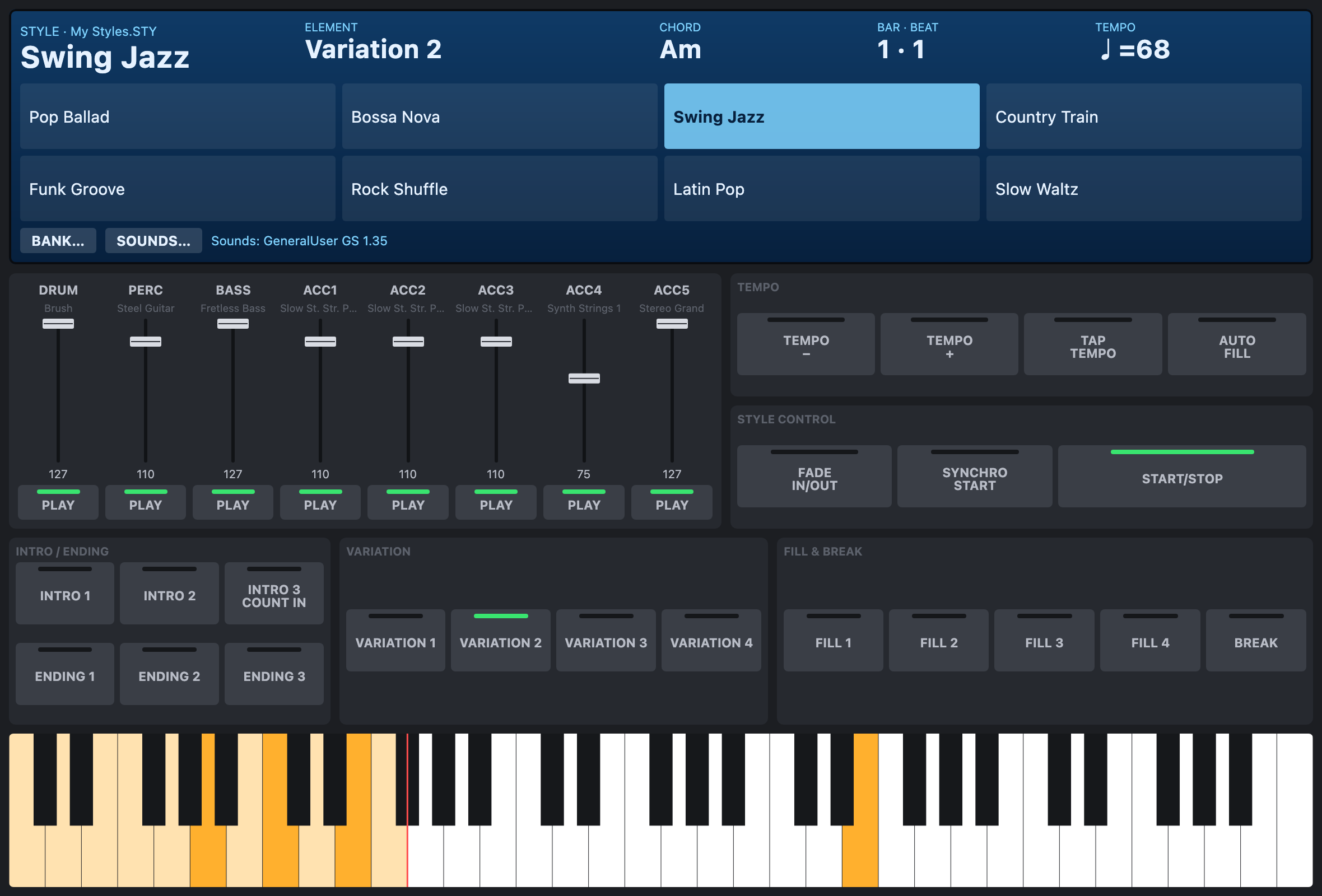
Open Yamaha style files and Korg Pa style banks and play them as they were written: every part, every section, following your chords.
Real drums from Audio Styles
Yamaha Audio Styles bring their recorded drum tracks, and Arranger Lab stretches them to your tempo as you play.
A panel made for playing
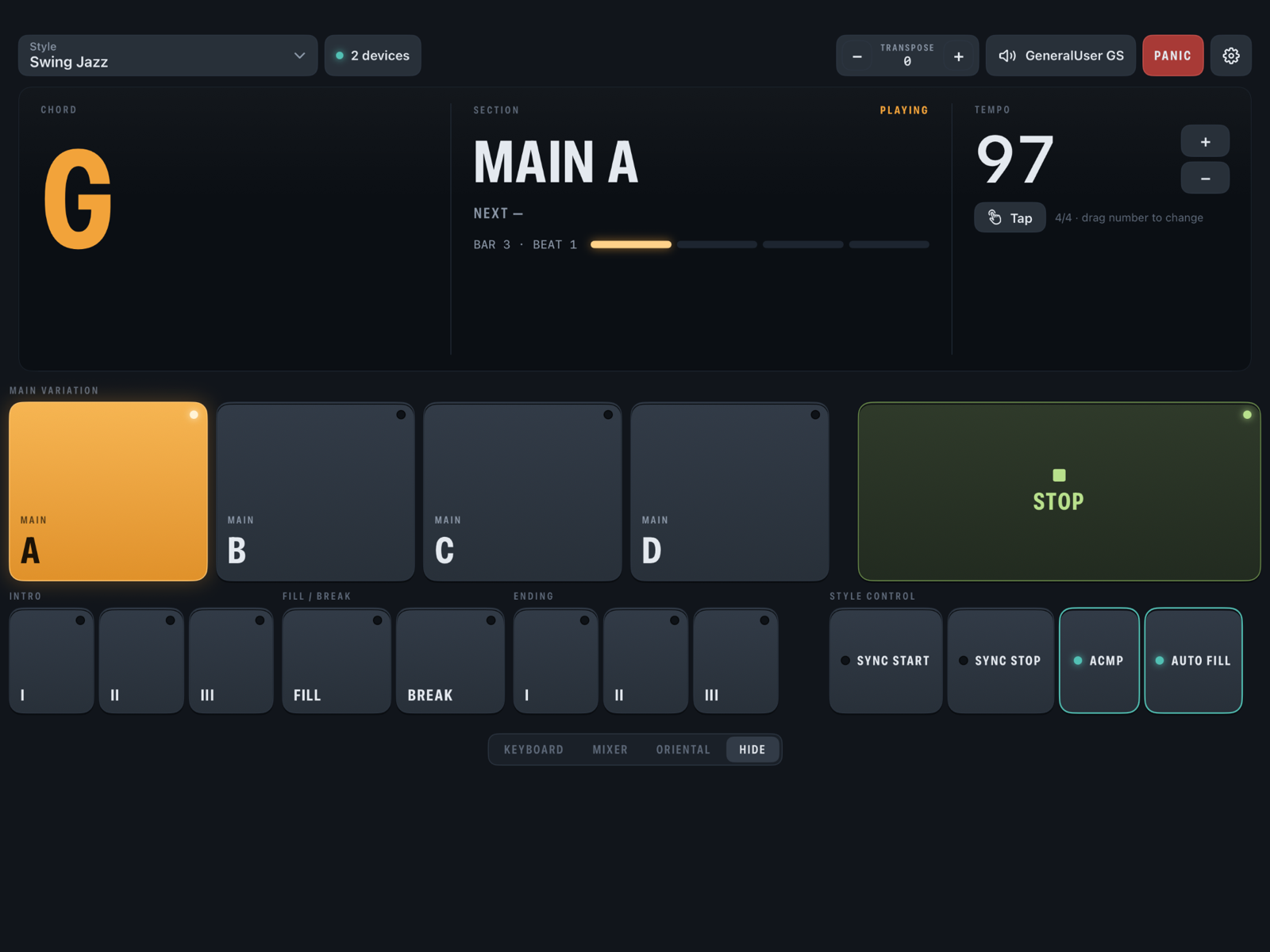
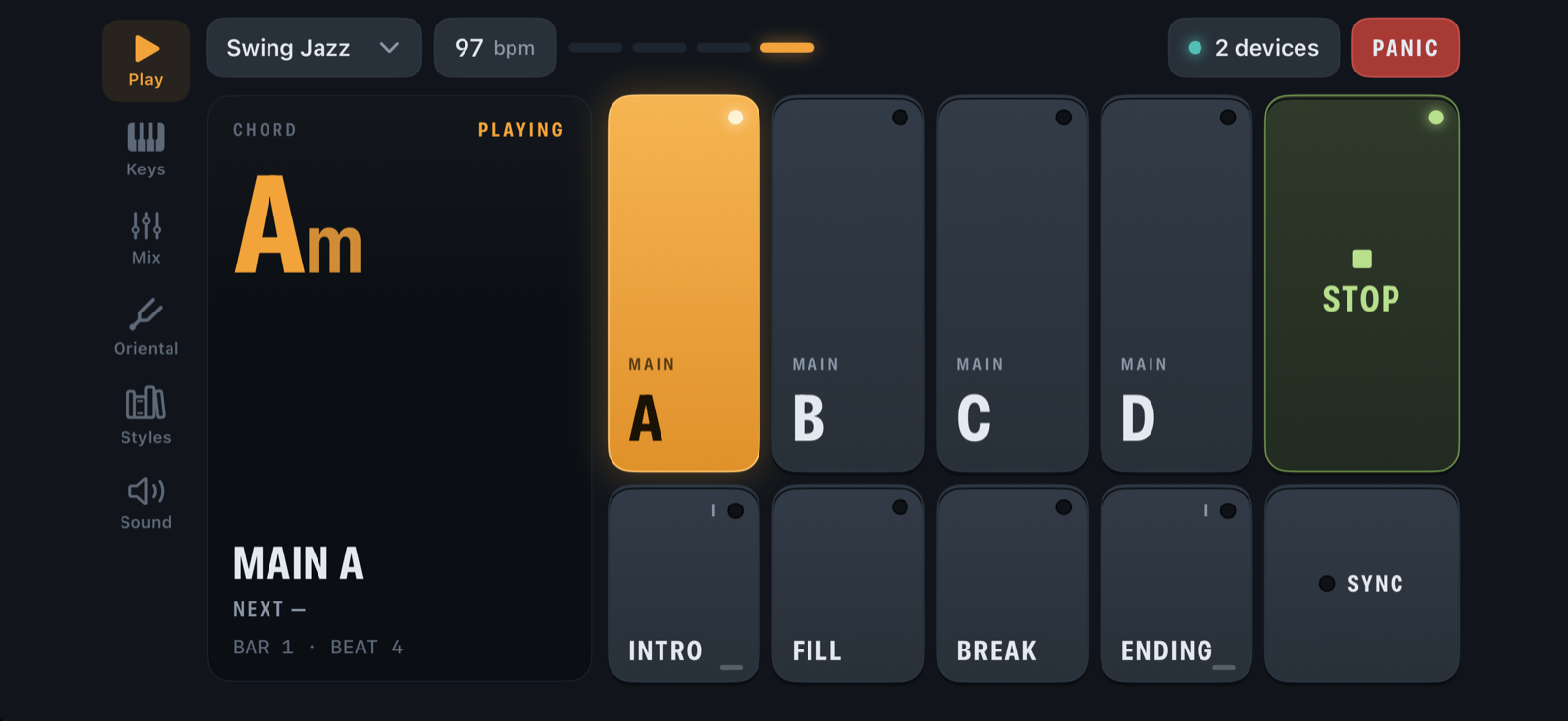
Intros, four variations, fills, break and endings, synchro start and tap tempo. Play chords on any MIDI keyboard and the band follows.
Your sounds
Load the General MIDI SoundFont you like for the band and your right hand, and set each part's level or mute it.
Bring your own styles
Arranger Lab comes with no styles. It opens files you own: the styles from your keyboard or ones you bought. On the Mac you add a SoundFont of your choice (free General MIDI SoundFonts work well); on iPhone and iPad it comes with GeneralUser GS, a complete General MIDI set, and takes your own SoundFonts too.
Get it
Mac
Beta, by invitationApple Silicon, macOS 13 or later. Sign in with your Google account and request access; once we approve it, the download appears on the same page. Unzip it and move Arranger Lab to Applications, then sign in to the app with the same account. Prefer to write? Email support@digital-strings.com.
Request accessiPhone & iPad
Coming sooniOS 16 or later.
Windows
LaterAfter the Mac beta.